How does this website work?
Hugo static site generator
jakewright.net is built using the static site generator, Hugo.
I find Hugo slightly difficult to work with, but it's fast and it's written in Go which is a language I'm very familiar with. I use a custom theme.
When I'm making changes or writing a new blog post, I run the Hugo development server locally.
hugo server --buildDrafts --buildFuture --disableFastRenderGit repositories
This website is comprised of two git repositories that both live on GitHub.
🔐 jake-wright-net-src (private)
Contains the source code, plus other supporting files and documents. It's private is so I can draft blog posts without them immediately becoming public.
🌐 jake-wright-net (public)
Contains a copy of the source code from the main branch of the private repository.
Making this public lets anyone access the full history of changes to the site.
This repo is also used for comments (see below).
Build pipeline
Using two Cloudflare Pages projects, I get continuous deployment to private preview environments for each feature branch, and to the production environment for the main branch.

Preview environment
Once I'm happy with a change or a blog post in the private repo, I can deploy it to a preview environment simply by pushing the branch to GitHub.
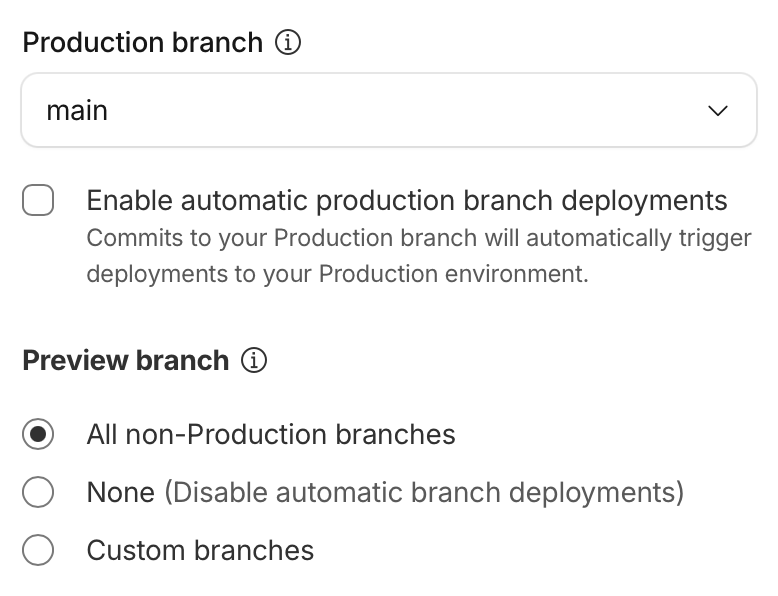
Cloudflare automatically watches the jake-wright-net-src repository and runs hugo build whenever any non-main branch is pushed to.
This is configured by setting the Preview branch to All non-Production branches.
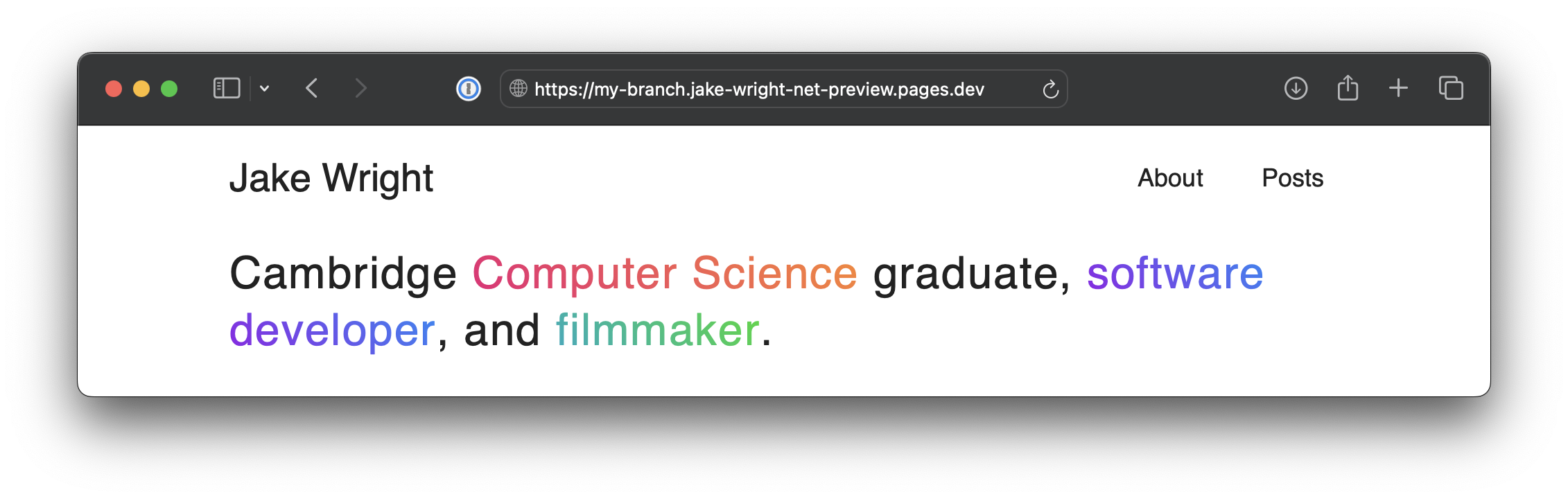
If I push my-branch to GitHub, the site is automatically built and the preview is made available at my-branch.jake-wright-net-preview.pages.dev.
Cloudflare Access control is enabled so that only I can view the preview.
Production deployments
To deploy to production, I simply merge the branch to main. (If I want to skip the preview environment altogether, I can just push to main directly.)
A GitHub Action copies the source code over to the public jake-wright-net repository and runs the Hugo build command.
The commit message from the private repo is used.
If there are no changes, no commit is made.
name: Publish

on:
  push:
    branches:
      - main

jobs:
  deploy:
    runs-on: ubuntu-latest
    steps:
      - name: Checkout source
        uses: actions/checkout@v6
        with:
          path: jake-wright-net-src

      - name: Checkout destination
        uses: actions/checkout@v6
        with:
          repository: jakewright/jake-wright-net
          token: ${{ secrets.GH_PAT }}
          path: jake-wright-net

      - name: Setup Hugo
        uses: peaceiris/actions-hugo@v3
        with:
          hugo-version: 'latest'
          extended: true

      - name: Build
        run: |
          # Delete everything except the .git directory
          find jake-wright-net -mindepth 1 -maxdepth 1 ! -name ".git" -exec rm -rf {} +

          # Copy all source files
          cp -a jake-wright-net-src/src/. jake-wright-net/

          # Build the site. This must be done in the destination directory so
          # that hugo uses the correct git repository.
          hugo -s jake-wright-net

      - name: Push changes
        run: |
          cd jake-wright-net
          git config user.name "Jake Wright"
          git config user.email "5333300+jakewright@users.noreply.github.com"

          # If there are any changes according to git
          if [[ -n $(git status -s) ]]; then
            # Use the commit message from the jake-wright-net-src
            COMMIT_MESSAGE=$(git -C ../jake-wright-net-src log -1 --pretty=%s)
            git add .
            git commit -m "$COMMIT_MESSAGE"
            git push
          else
            echo "No changes to commit"
          fi
Note that a personal access token must be provided so that the GitHub Action can push to the other repository.
Once the public repo is pushed to, the second Cloudflare Pages project deploys the site.
At this point, the changes will be live at jakewright.net.
Why not GitHub Pages?
I previously hosted the site using GitHub Pages. It worked well enough, but Cloudflare Pages provides some basic web analytics which GitHub Pages does not. Combined with the ability to do private preview deployments, it currently seems like the best option.
Comments
Comments are powered by giscus, which uses GitHub Discussions to let people leave comments. For each blog post, a new discussion is created. People can add a comment to the discussion, and it will be associated with the corresponding blog post. giscus uses JavaScript to load the comments and display under the post. Try it out!